TV Player
We install an app that runs on the TVs you already own, including Samsung, LG, Android TV/Google TV and Vestel. Live viewing, on-demand playback and a program guide, all in one screen.
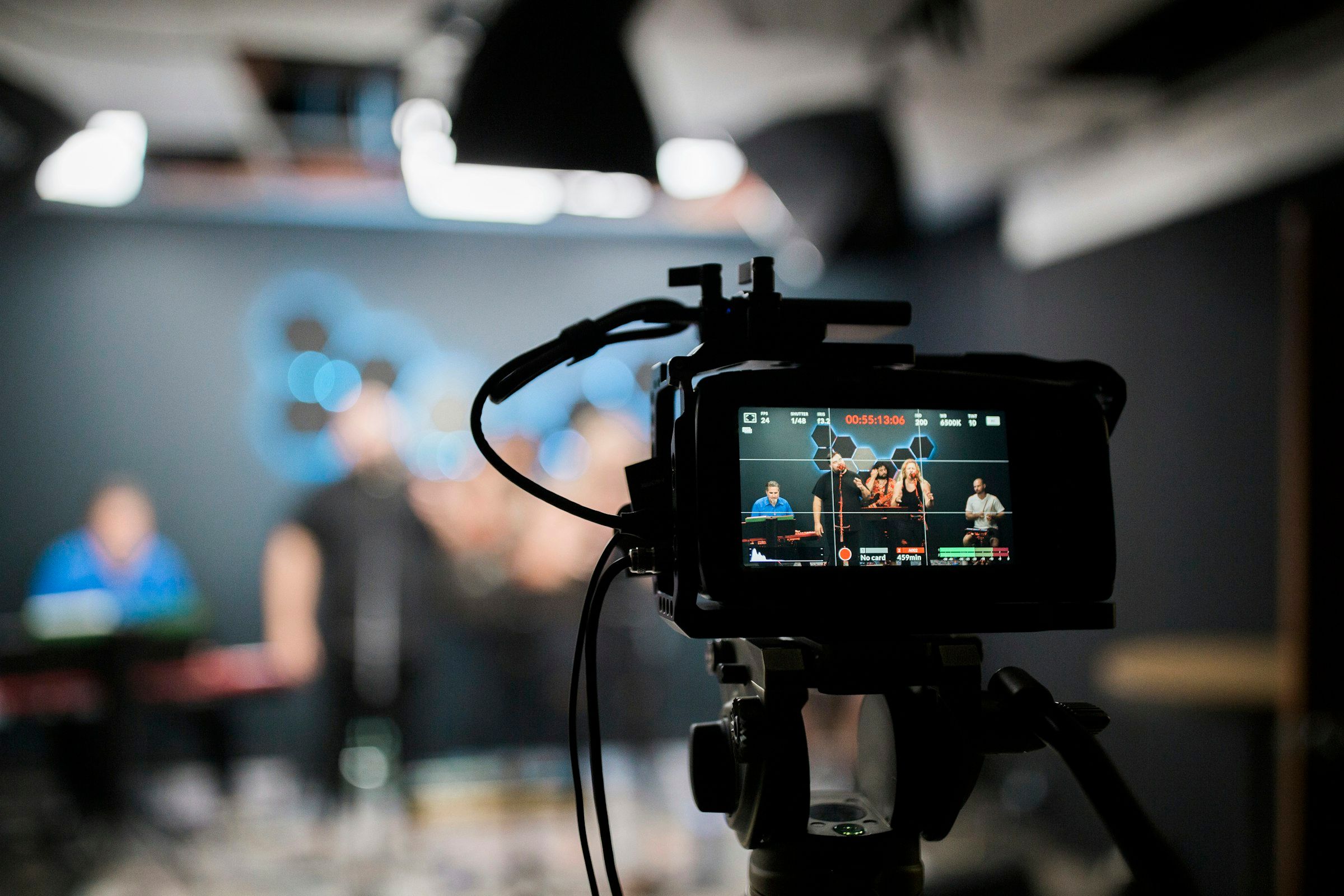
Evening news
What you can do
Branded TV app
Installed for Samsung Tizen, LG webOS, Android TV/Google TV and Vestel (VIDAA, TiVo, Google TV).
Live and on-demand
Live channels and archived content play from the same app.
Program guide (EPG)
Channel and time information is shown in one easy-to-browse grid.
Remote-control navigation
Menus are built to work with a standard TV remote.
DRM-protected playback
Content is protected with Widevine, PlayReady and FairPlay.
Kiosk / hotel mode
The TV opens straight into the app, with no way out to other menus.
Central updates
Content and app updates go out to every device from one panel.
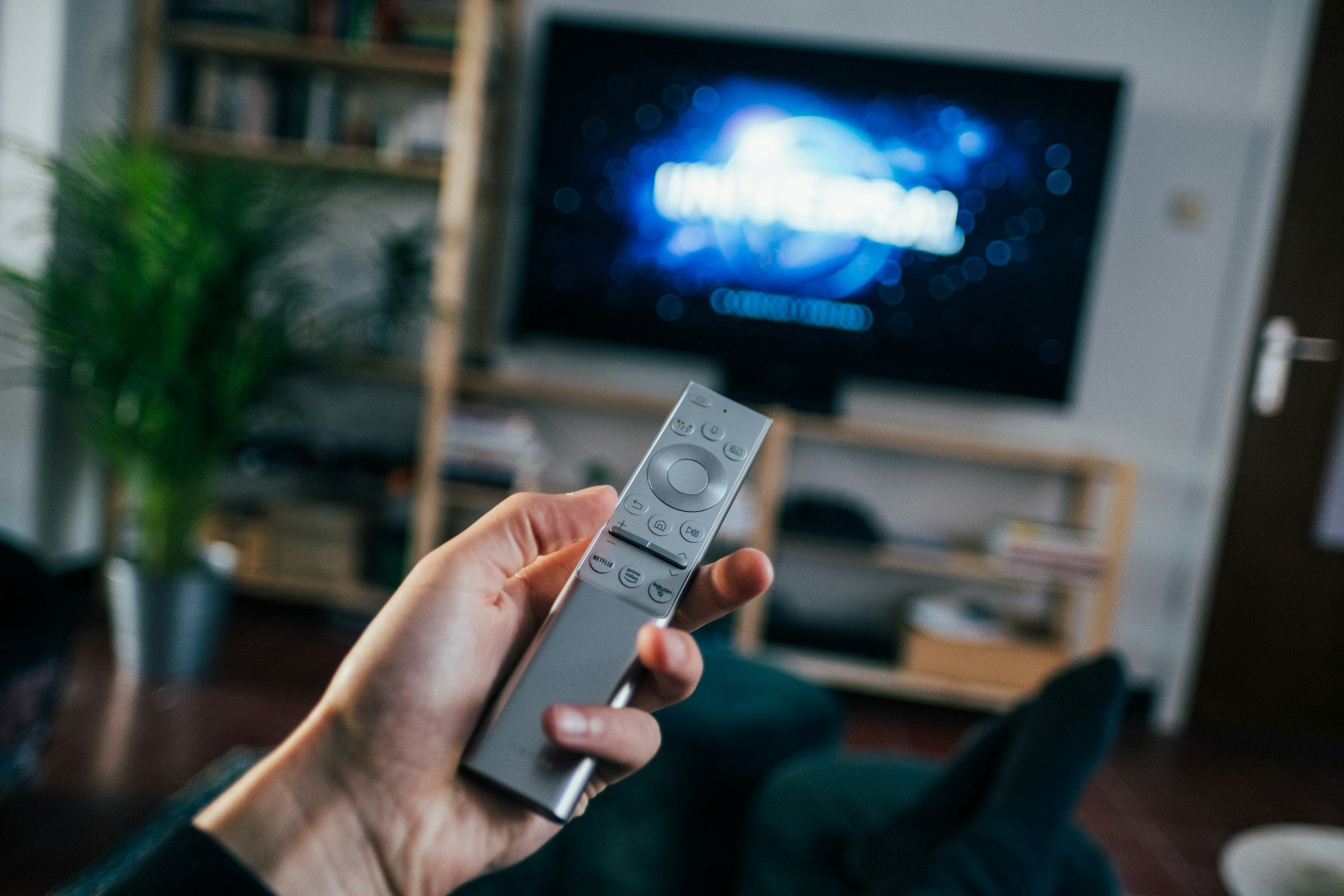
For hotels
- This is the technology your in-room TV app runs on.
- When a guest navigates with the remote, they can't leave the hotel menus — the experience stays consistent.
For companies
- Runs as a company-branded app on meeting room and office TVs.
- Stays fixed in kiosk mode on training center or canteen TVs.
Technical details
- Platforms
- Samsung (Tizen), LG (webOS), Android TV / Google TV, Vestel (VIDAA, TiVo, Google TV)
- Protocols / standards
- DRM: Widevine, PlayReady, FairPlay, HLS / DASH streaming
- Security
- Content access is authorized per user or device.
Frequently asked questions
Which TV brands can you install the app on?
Samsung Tizen, LG webOS, Android TV/Google TV and Vestel (VIDAA, TiVo, Google TV) are supported.
What does kiosk mode do?
The TV opens straight into the app; guests or staff can't reach other menus.
How does a content update reach every device?
An update you make in the panel is distributed centrally to every connected TV.
How is protected content secured?
Playback is protected with the Widevine, PlayReady and FairPlay DRM standards.
Try it in a small area first
Let's try the first installation in a small area; see the results, then decide.